
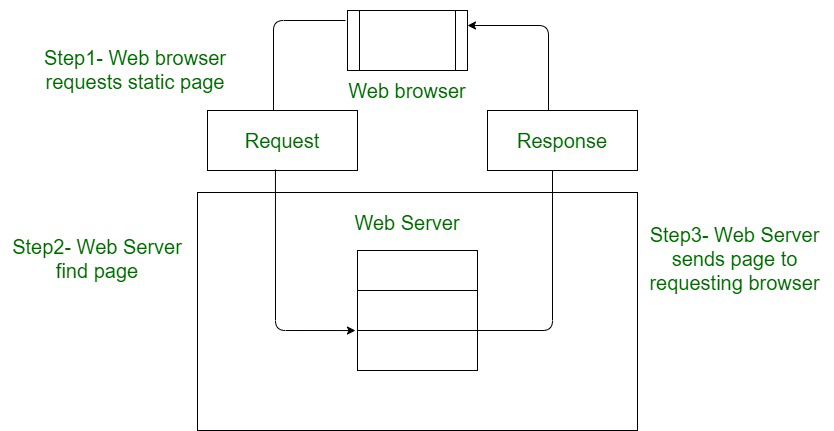

A static website is a collection of prebuilt HTML, CSS, and JavaScript files served exactly as they are, without on‑the‑fly processing or database calls Each visitor receives the same content, resulting in:
✅ Key Advantages
- Speed: No server-side rendering delays—files load instantly .
- Security: Fewer attack vectors since there’s no backend or database
- Scalability & Cost‑efficiency: Easily hosted on CDs or cheap servers; handles high traffic effortlessly
- Simplicity: Built with basic web tech—easy for small businesses, documentation sites, personal blogs
- SEO‑friendly: Static HTML is fully indexable and fast-serving boosts rankings
🛠️ Building a Static Website
- Hand‑code with HTML/CSS/JS.
- Use a Static Site Generator (SSG):
- Examples: Jekyll, Hugo, Eleventy, among others
- Write in Markdown, templates—generate static files automatically.
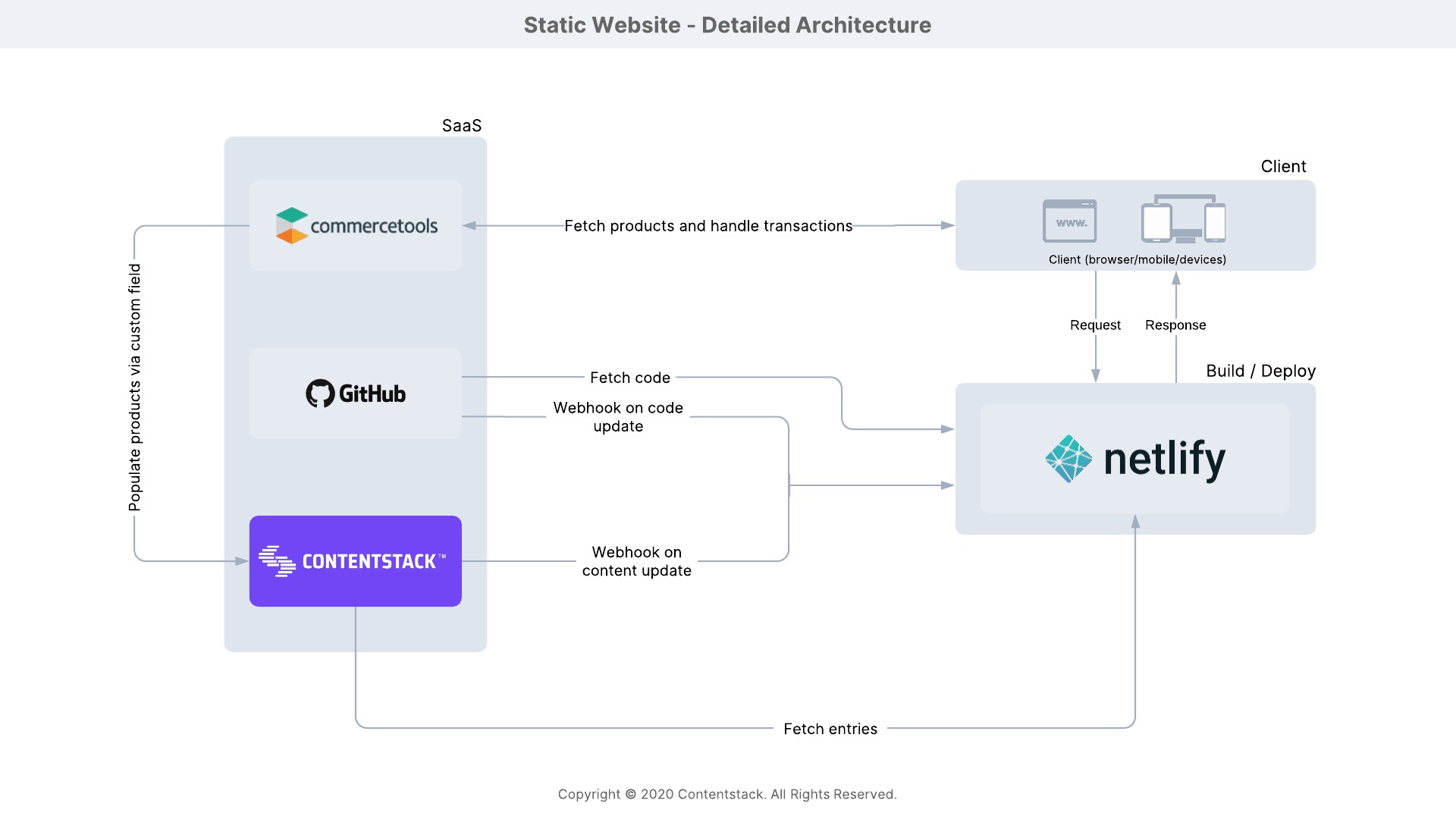
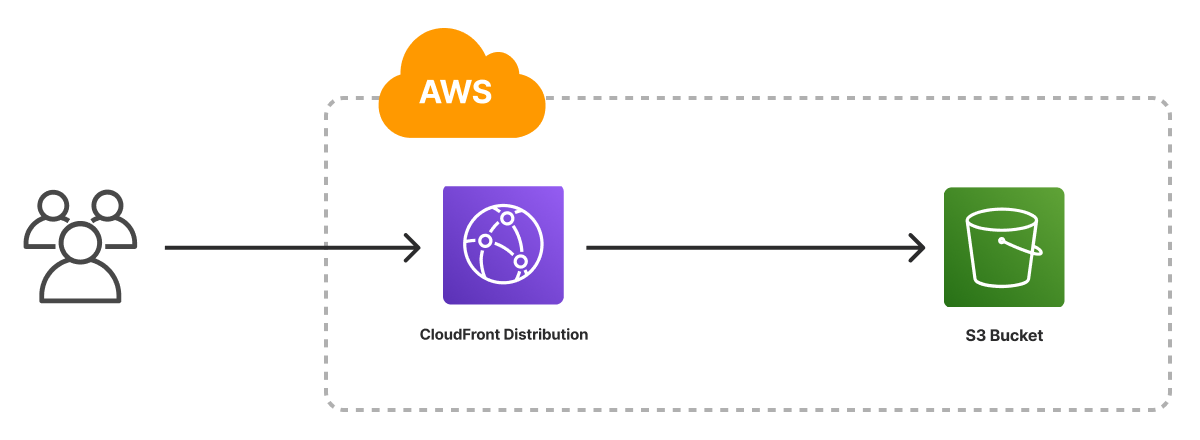
- Host on a CDN: Services like Netlify, GitHub Pages, AWS S3 + CloudFront, Neocities
- Optionally add CI/CD: Push to Git → auto-build → deploy (CloudBuild, CodePipeline, Terraform, Pulumi, etc.)